
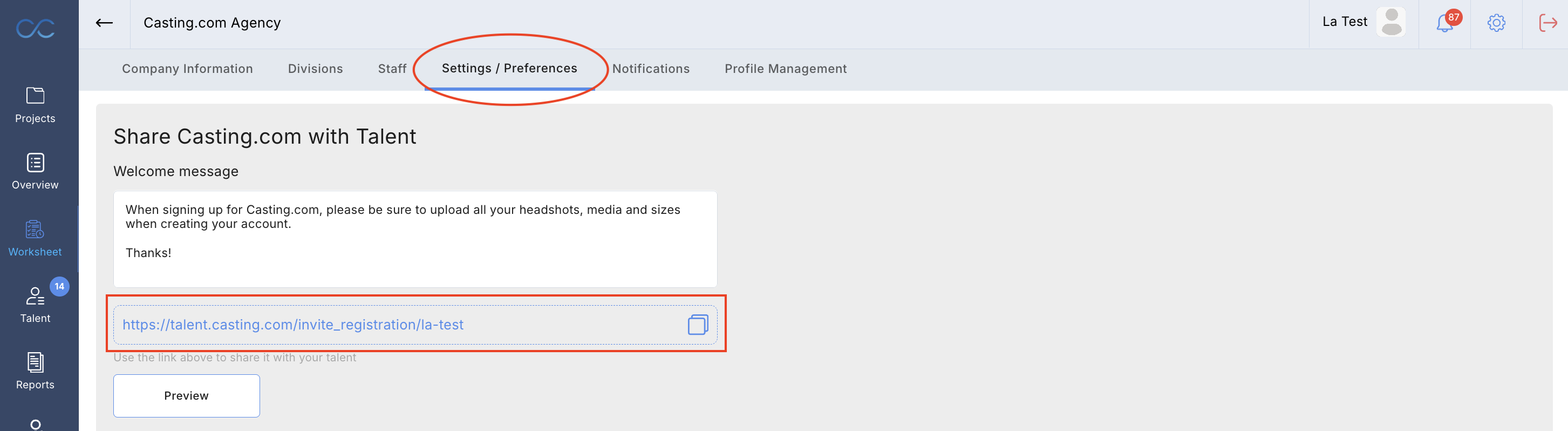
At the top right hand corner of your account, there is an icon for settings. In the settings area, there will be a tab called 'settings/preferences' and you will find your agency link here.
Talent won't need an agency link to sign up, they can do so at talent.casting.com. Once they choose your agency as their representative, this will link talent to the agency.
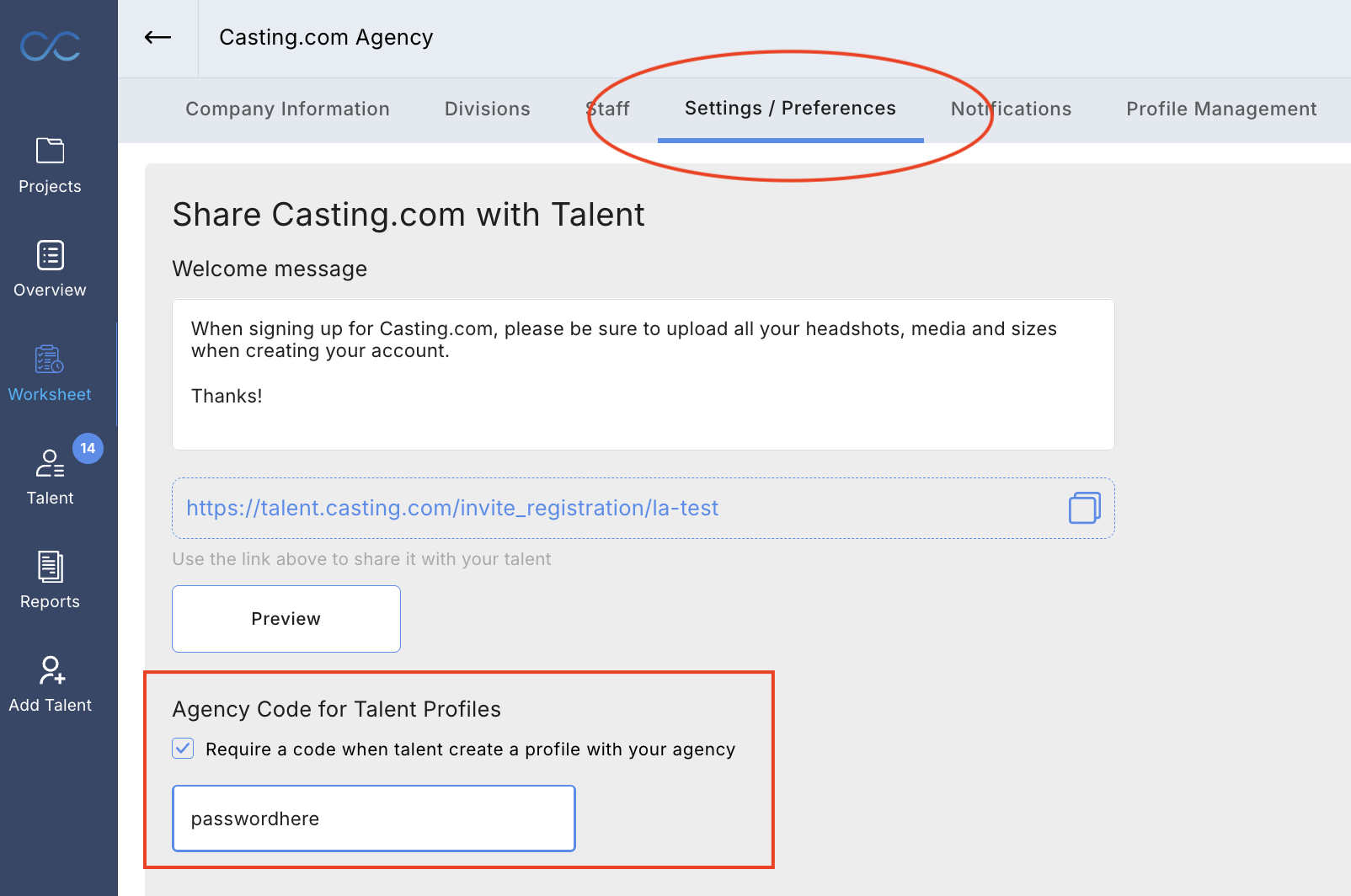
You can also create a special agency code as an added level of protection so only talent with that code can be added to your library.
Video instructions below: